

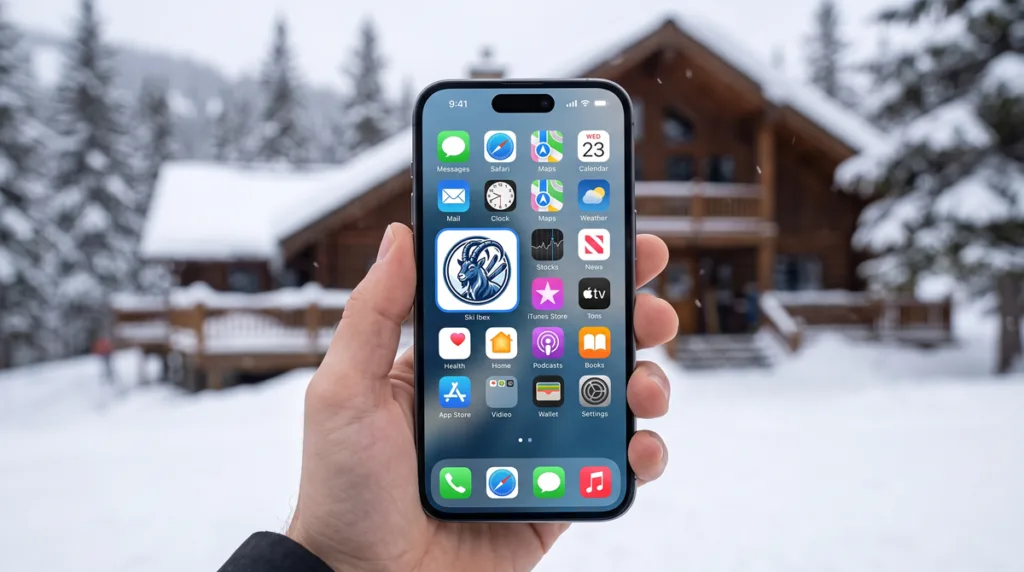
Open Safari on your iPhone and go to skiibex.com.
Tap the Share icon at the bottom of your screen (the square with an arrow pointing up).
Scroll down the menu and tap Add to Home Screen.
Confirm the app name reads Ski Ibex, then tap Add in the top right corner.
Verification: Go to your iPhone home screen. You will see the Ski Ibex icon alongside your other apps. Tap it to launch the app in full-screen mode!
Open Google Chrome on your Android phone and go to skiibex.com.
Tap the Three Dots menu icon in the top right corner.
Tap Add to Home screen (or Install app).
Tap Add (or Install) to confirm.
Verification: Open your phone’s app drawer or main home screen. Look for the Ski Ibex icon and tap it to open the app without browser borders.